
Unified profiles
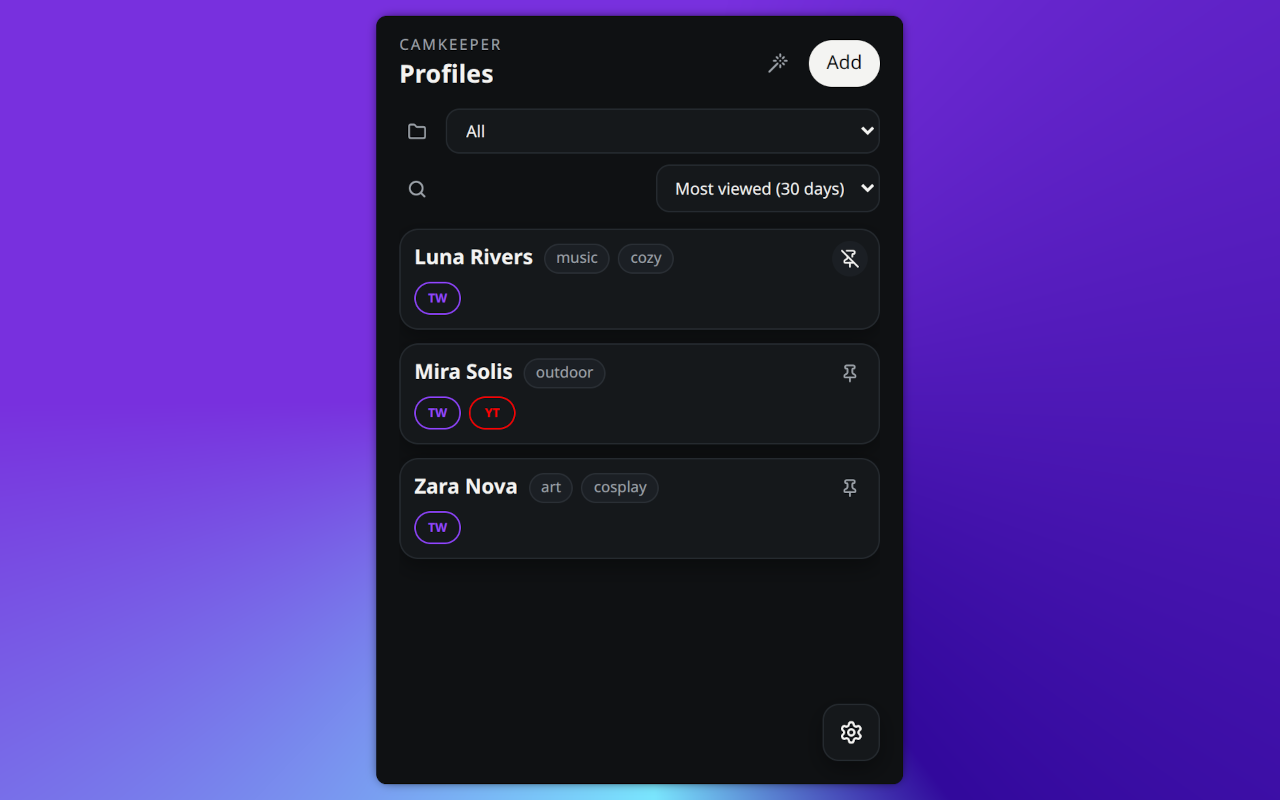
Keep one local profile per creator and attach usernames or URLs from multiple platforms.
Save creator profiles across sites, organize them your way, and stay local-first with optional encrypted Nostr sync.
CamKeeper helps you manage creator profiles across sites from one extension popup. You can save profiles, attach multiple site identities, track local view time for configured livestream sites, and quickly find people again later.
Alt + Shift + KAlt + Shift + SYou can customize shortcuts in your browser extension settings.
CamKeeper stores profile data and settings in browser extension storage on your device. Optional Nostr sync is disabled by default and can be enabled in Settings if you want multi-device sync. When enabled, encrypted payloads are sent only to relays you configure.
nsec private nsec is your private key